Autonomous Drone – Part 1
TL;DR
In this post, I’m laying out the plan for a long-term side project: building an autonomous seed-planting drone, including some core components like the ESC, flight controller, and frame from scratch. While most of the work still lies ahead, I’ve already set up the software stack (PX4, ROS2, Gazebo) and created a basic simulation environment using real-world map data. The goal is to explore both hardware and software design of a drone.
Context
When I was studying computer science at university, I built a few custom FPV drones and used to fly them around with friends. Those were good times! I have great memories of tweaking flight controllers with Cleanflight/Betaflight, flying with almost no regulations, constantly repairing and re-soldering broken parts, and learning a lot about how stuff work.
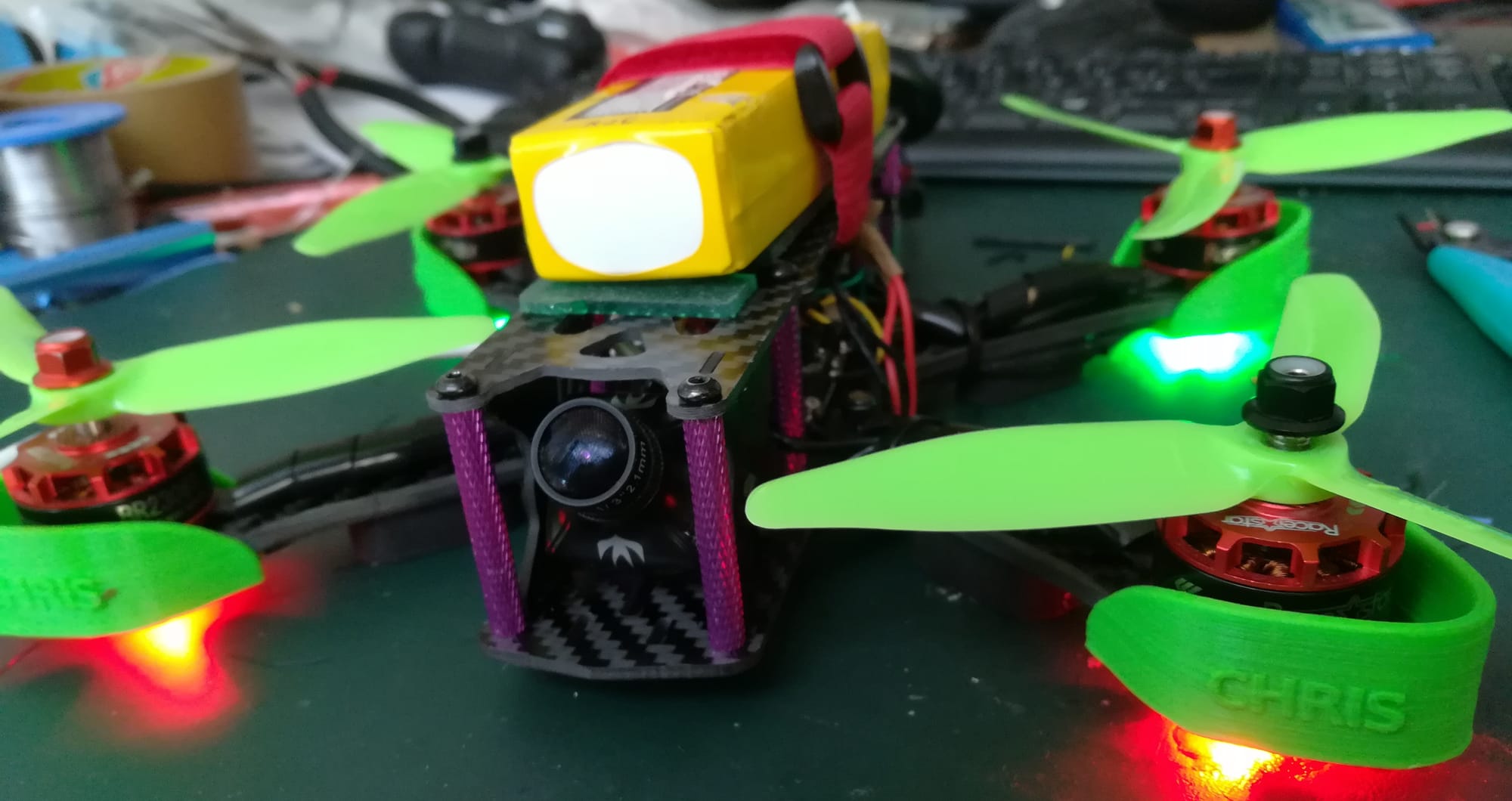
I've always wanted to build some drone components entirely from scratch — like an ESC or a flight controller — but I never found the time between uni, jobs and other projects that got in the way (some of which I might show on this blog in the future).
So this year, I’ve decided to take on the challenge of building an autonomous drone, including some components designed from scratch.
Setting the Goal: A Drone That Plants Seeds
“Building an autonomous drone” is a bit too abstract, so I’m narrowing the scope: I want a drone that can plant seeds from the air, while recognizing terrain and avoiding obstacles like trees or birds.
The idea is to allow a user to click a point on a map of a crop field, have the drone automatically determine the field boundaries, generate a seeding flight plan, and then let the user confirm or correct the area. After confirmation, the drone seed the field, while actively detecting and avoiding birds, tractors, or any static or moving obstacles.
I took this idea after watching this video of a massive agricultural drone. My first reaction was, "Wow, that’s a big drone". While I’ve built several drones — from tiny indoor quads to a 60x60 cm drone — I’ve never built something truly large—capable of carrying several kilos.
Of course, building a heavy-lift drone means dealing with additional regulations and bureaucracy if I want to fly that drone outside — especially here in Germany. But that’s manageable. What’s clear is that this won’t be a quick project. It’s a side quest that might take months or even years — but I’m okay with that.
Project Focus Areas
There are many ways to approach building an autonomous drone, ranging from using off-the-shelf components to engineering everything from the ground up. For this project, I’ve decided to strike a balance: I’ll focus on designing and building some core components from scratch (like ESCs and the FC) while relying on proven tools and frameworks (such as ROS2) for other parts of the stack. Here are the main focus areas of the project:
Hardware
- Design the drone frame from scratch in FreeCAD
- Ensure it's durable and water-resistant (against rain, I'm not planning to throw it in a lake)
- Redundant propeller configuration: 8-propeller (quad X8) setup to tolerate motor failure
- Retractable arms and props for better portability and storage
Electronics/PCB & Firmware
- I plan to design and/or build custom electronics to explore the inner workings of modern drone systems:
- ESCs with bare-metal firmware
- A transmitter/receiver setup
- An STM32-based flight controller (compatible with PX4-Autopilot)
- A custom seed-dispensing mechanism
Software
- Use a combination of PX4-Autopilot, ROS2, and Gazebo for control and simulation
- Develop and train an AI model for object recognition to support:
- Collision avoidance
- Field/area detection for seed planting
Development Strategy: Iterative, Not All-at-Once
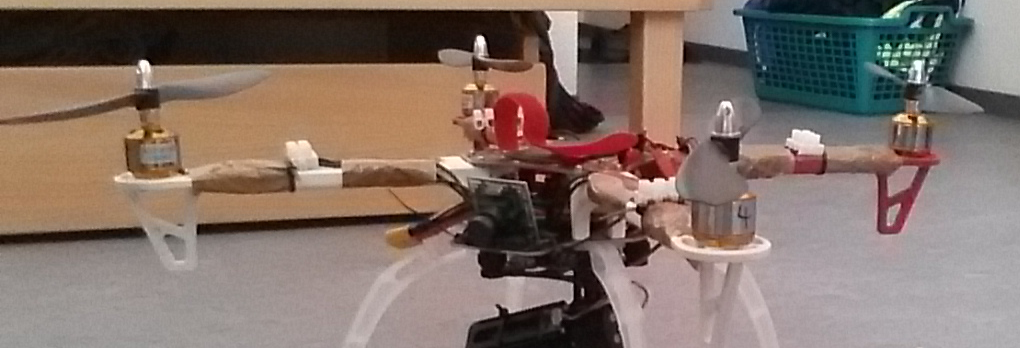
Rather than waiting until I’ve built every part, I’ll start by retrofitting my largest existing drone. This drone will run PX4 and ROS2 from the start, and I’ll gradually replace components—frame, ESC, flight controller—as I develop them.
That way, I always have a working drone and can test things in small, manageable chunks.
Setting up the Base Stack & Simulation
Once I had a rough plan, I set up the software stack and simulation environment. As mentioned before, I decided to go with:
- PX4-Autopilot – Open-source flight stack
- ROS2 Jazzy – For higher-level logic and AI integration
- Gazebo Harmonic – To simulate drone behavior and environment
I chose this combination because these tools are powerful, open-source, actively maintained, and have large, supportive communities.
Connecting Everything Together
To connect everything together a few additional components were needed:
Micro-XRCE-DDS-Agent&px4_ros_com– to bridge PX4 with ROS2ros-jazzy-ros-gz-bridge– to connect ROS2 with Gazebo
Initial Control Software
I’m also using QGroundControl for now to send commands and monitor telemetry. Over time, I might extend or replace it to better suit my use case.
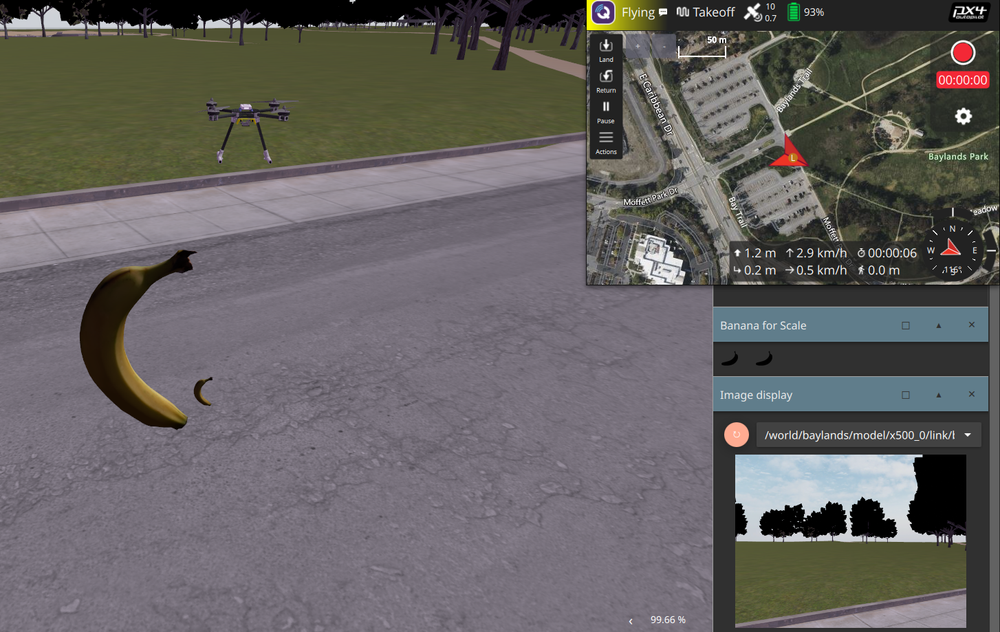
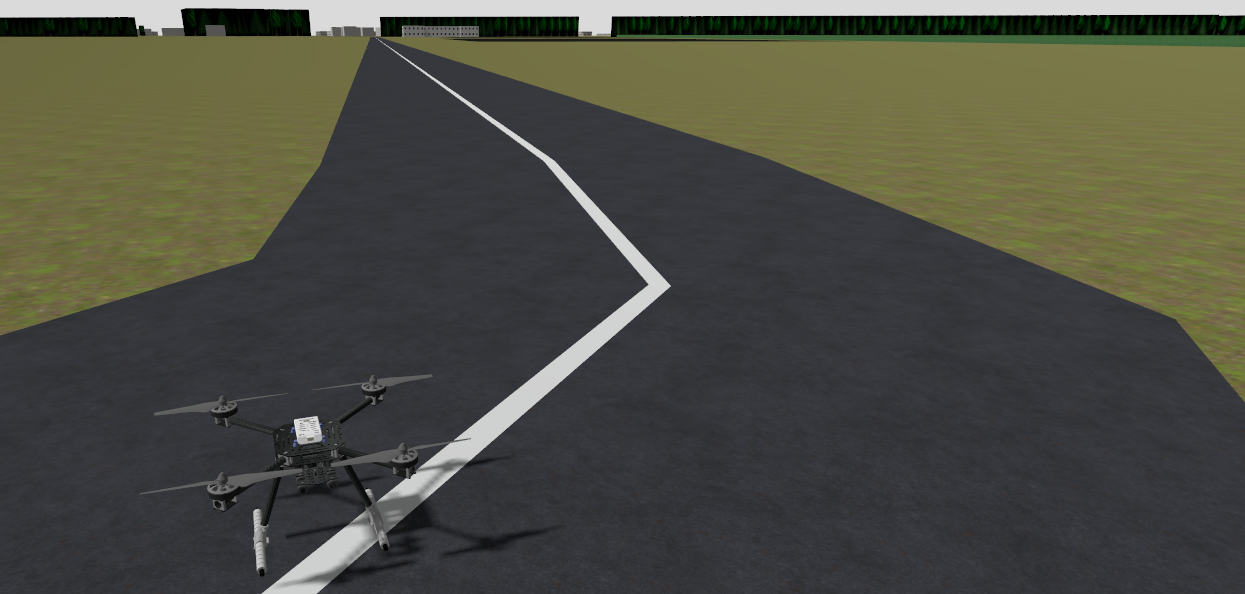
After getting everything running and slightly modifying the drone SDF model—just adding a camera—here’s what the simulation currently looks like:
Starting the Simulation (banana for scale)
Adapting the Drone Simulation and creating Custom Maps with OpenStreetMap
PX4’s default environments are good for testing, but I want to simulate real-world terrain near me. This way, I can better compare simulation vs. reality and improve the drone’s real-world prediction accuracy.
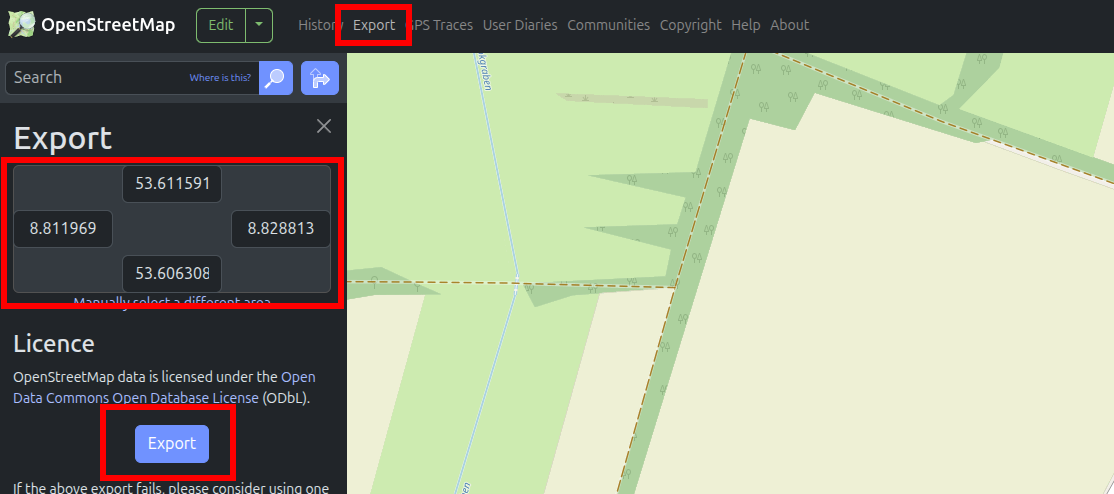
To do this, I experimented with exporting real maps from OpenStreetMap:
bashCopyEditjava -jar OSM2World.jar -i map.osm -o map.obj
This converts the .osm file to a 3D .obj model. I then created a new SDF model for Gazebo using this .obj file.
It loads... but the visuals are rough — rendering is often broken or unrealistic. To clean things up, I imported the map into Blender, fixed a few issues, and exported it as .glb, which Gazebo handles better.
Still, the map needs major work to look realistic. That said, it’s also an interesting opportunity—I’d like to explore Blender plugins that use AI to generate environments from text prompts. That’ll probably be a topic for a future blog post.
Looking Ahead
Having the base stack simulation set up, here is what I plan to work on next:
- Set up the full PX4 + ROS2 stack on a real drone
- Implement object recognition for terrain & obstacle detection
- Build a PX4-compatible flight controller
- Create a custom transmitter/receiver
- Design and test an ESC
- Fully model the drone in FreeCAD
- Improve simulation maps using Blender and AI-generated terrain
I’ll share progress in future blog posts and link these here as I go. 🚀